Patient Intake Form: Templates, Examples, and Digital Intake Best Practices
13.05.26
A great patient intake form does more than collect information - it sets the tone for every appointment. Here are 7 actionable steps to build yours the right way.
What happens when a patient intake form slows the visit before care even starts?
For many practices, intake is where the first delays show up. Patients skip fields for the staff to fill in the gaps. Practitioners walk into the appointment without the full picture. A form meant to organize the visit ends up adding more work to an already busy day.
A clear, well-structured patient intake form can prevent that friction early. For chiropractors, massage therapists, mental health providers, and other wellness practices, the right form helps collect better information, speed up check-in, and create a smoother first visit for both patients and staff.
Table of Contents
What Is a Patient Intake Form?
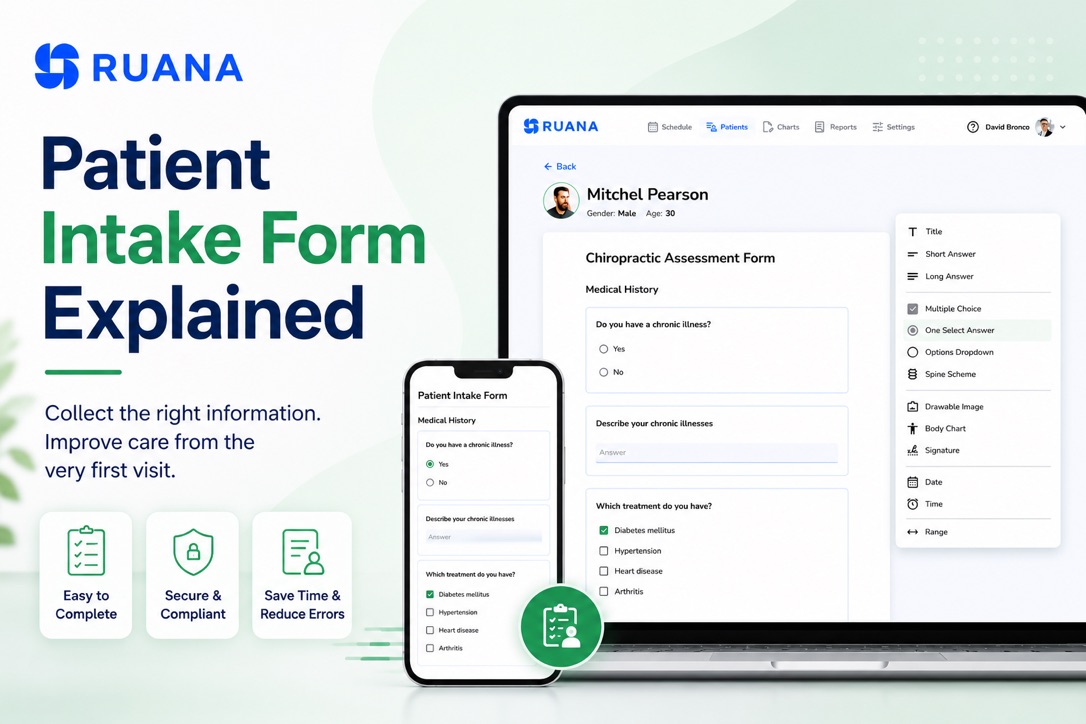
A patient intake form is a document patients complete before their appointment to provide personal, medical, administrative, and consent-related information. Clinics and individual practitioners use such forms to collect the necessary details for future scheduling, treatment planning, documentation, communication, and billing.
Most often, the process starts before the patient walks through the door. New patients fill out the form during online registration, while others provide new details at the front desk.
Regardless of whether you are a chiropractor, massage therapist, or other patient-focused practitioner, your intake form will most probably become the foundation for SOAP notes, charting, insurance records, and future follow-up care.
Why Do Patient Intake Forms Matter for Clinics and Individual Practitioners?
The first thought about patient intake forms appears to be administrative. Yet, they influence almost every part of the clinic workflow, starting from the first interaction with the patient. A poorly structured intake process creates delays, incomplete records, billing problems, and extra work for both practitioners and front desk staff.
A well-designed intake has much more to bring to the table:
Faster Front Desk Check-In
Patients arriving with missing paperwork and incomplete details create unnecessary delays and miscommunication at the front desk. As a result, staff members spend extra time correcting forms, verifying insurance details, or manually entering information into the system.
💡Digital intake forms allow patients to complete everything before the appointment. This means faster check-ins and staying on schedule during the busy hours.
More Accurate SOAP Notes and Documentation
Intake forms are the main source of accurate SOAP charting and documentation for practitioners. Health history, medications, previous injuries, pain areas, and treatment goals all help create a clearer clinical picture before the visit begins.
💡Well-organized intake process reduces the time spent on rewriting details manually.
Fewer Billing and Insurance Errors
Incomplete patient details can easily create billing delays later in the workflow. Missing insurance information, incorrect contact details, unsigned consent forms, or unclear patient history often lead to rejected claims or additional administrative follow-up.
💡With a structured workflow, clinics and private practitioners can collect the required information early. Paired with a connected practice management software solution, this significantly reduces billing problems and helps staff move patients through the system more effectively.
Better Patient Experience
Finally, the intake process shapes the patient’s first impression of the clinic. When forced to face the hassle of a long paper form and a rushed onboarding, they leave you with unnecessary stress before the treatment even starts.
💡Clear and user-friendly intake forms create a smoother experience from the beginning. Patients spend less time filling out paperwork, staff stay more organized, and appointments start with fewer interruptions.
What Should a Patient Intake Form Include?
Intake form templates should be designed to collect enough information to help the clinic prepare for the visit, document care properly, and avoid unnecessary follow-up later. The structure may vary depending on the practice, but the idea revolves around the same core categories that keep appointments organized.
Don’t try to create the longest form possible. Just ask for the information the clinic actually needs to keep the process easy for patients and comprehensive for your workflows.
Section
What It Typically Includes
Why It Matters
Personal Information
Full name, date of birth, phone number, email, and address
Helps staff identify and contact patients correctly
Emergency Contacts
Contact name, relationship, phone number
Important for urgent situations or follow-up
Medical History
Past conditions, surgeries, injuries, and chronic issues
Main complaint, symptoms, pain areas, treatment goals
Helps practitioners prepare before the appointment
You can also include specialty-specific questions depending on the type of care you provide. A chiropractic intake form may ask about posture, injuries, or mobility limitations, while a massage therapy intake form may focus more on pain areas, pressure preferences, or physical activity levels.
Patient Intake Form Template Examples
Patient intake form templates can save time, especially when they give clinics a clear starting point instead of a blank page. The key is to treat each template as a framework, then adjust the fields to match your workflow, specialty, and patient needs.
General Medical Intake Form
A standard form usually focuses on collecting basic details, medical history, medications, allergies, emergency contacts, and insurance information. You may find these forms commonly used across wellness clinics and multidisciplinary practices.
Typical sections include:
Personal and contact information
Current medications and allergies
Previous surgeries or conditions
Insurance details
Consent and privacy agreements
Chiropractic Intake Form
Intake forms for chiropractors include more detailed musculoskeletal and pain-related questions, along with the basic questionnaire. For instance, practitioners may collect information about posture issues, previous injuries, accident history, or movement limitations before the first visit.
Common fields may include:
Primary pain areas
Previous chiropractic care
Injury or accident history
Mobility limitations
Pain scale and symptom duration
Massage Therapy Intake Form
Massage therapy intake forms usually focus on physical discomfort, tension patterns, sensitivities, and wellness goals. Since treatment styles and pressure tolerance vary from patient to patient, practitioners often use intake forms to personalize sessions early.
These forms include:
Areas of tension or discomfort
Pressure preferences
Physical activity level
Skin sensitivities or allergies
Stress or lifestyle factors
Paper vs Digital Intake Forms
There are still clinics and practitioners who use paper intake forms because they feel familiar and easy to set up. Issues appear later, once staff start scanning paperwork, rewriting notes, and searching through folders during busy hours.
Your patients can complete forms before the visit, and you can keep all the information organized inside the clinic workflow.
Here’s a side-by-side comparison to show the differences more closely.
Paper Intake Forms
Digital Intake Forms
Filled out in the waiting room
Completed before the appointment
Often difficult to read or incomplete
Required fields reduce missing information
Manual data entry for staff
Information stays digitally organized
Slower check-in during busy hours
Faster patient onboarding
Harder to update or customize
Easy to edit and reuse
Physical storage and scanning are required
Secure digital record management
Information may need to be rewritten into SOAP notes or billing systems
Connected workflows reduce repetitive typing
For growing practices, the time savings alone often become one of the biggest advantages of digital intake forms. Even saving 3-5 minutes per patient can remove hours of repetitive administrative work across a full week of appointments.
Common Problems With Patient Intake Forms
Most of the issues we face when dealing with an intake form do not look serious at first. A missing signature here, an unreadable phone number there, a few extra minutes at check-in. But once those small problems repeat across dozens of appointments every week, they start slowing down the entire clinic workflow.
Most clinics run into the same intake-related problems, especially when the process is disconnected from scheduling and documentation management.
Incomplete Information
Patients tend to skip fields when the process feels too long, confusing, or rushed. Missing details and unanswered medical questions almost always create extra work later in the visit.
Repetitive Data Entry
One of the most common frustrations in clinics is entering the same information multiple times across different systems. Staff may collect intake paperwork, then manually transfer details into scheduling software, SOAP notes, billing systems, or patient records.
This is one of the main reasons for increased admin hours and more opportunities for human error.
Paperwork Slowing Down Appointments
In high-volume practices, even small delays at check-in can affect the rest of the daily schedule. Unlike digital forms, paper intake management creates delays during busy hours. Patients arrive early to complete paperwork, staff review forms manually, and practitioners wait for records to be finalized before starting treatment.
How to Improve Your Patient Intake Process
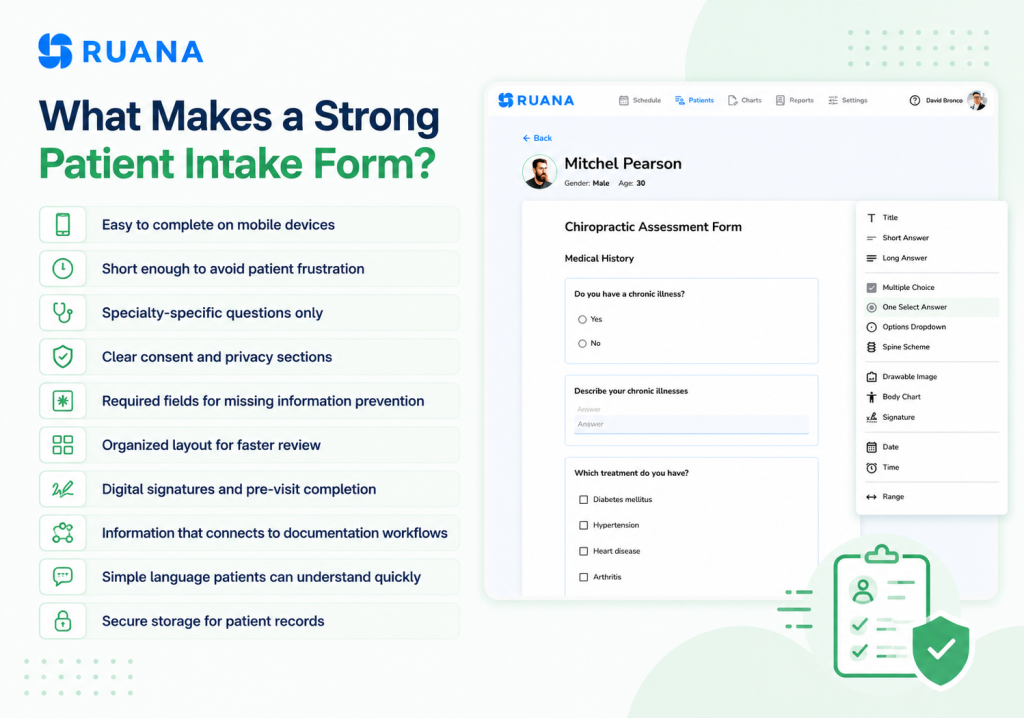
Improving the intake process usually comes down to reducing friction for both patients and staff. Based on our own practice, here are a few ways you can improve your patient intake workflow:
Send intake forms before appointments
Keep forms short and specialty-specific
Use required fields for important information
Make forms mobile-friendly
Avoid asking the same question twice
Collect digital signatures in advance
Review intake forms before the visit starts
Connect intake data to SOAP notes and patient records
Update forms regularly as workflows change
Keep consent and privacy sections clear and simple
Conclusion
Patient intake forms shape much more than the first appointment. They affect check-in speed, documentation quality, billing accuracy, and the overall patient experience throughout the clinic workflow.
As practices grow, paper forms and disconnected systems often create unnecessary administrative work that slows both staff and practitioners down. Digital intake forms help simplify that process by keeping patient information organized, accessible, and connected to the rest of the workflow.
For clinics trying to reduce repetitive admin tasks and speed up daily operations, modern digital intake and documentation systems can make a noticeable difference long before the appointment even begins.
About the Authors
★★★★★4.9 · 329 Reviews
Rouzbeh NoroozyChiropractor & Co-Founder · Palmer West · UC Berkeley · 14 Years of ExperienceRouzbeh Noroozy is a chiropractor with 14 years of clinical experience and co-founder of Ruana practice management software. He completed his undergraduate studies at the University of California, Berkeley and graduated from the renowned Palmer College of Chiropractic West in California. As a practicing clinician and clinic owner, he understands firsthand the administrative challenges practices face — and which digital tools genuinely help streamline day-to-day operations.
Anastasiia NoroozyMedical Graduate & Co-Founder · 8 Years of ExperienceAnastasiia Noroozy is a medical graduate and co-founder of Ruana with 8 years of experience working directly with patients at the clinic in Cologne. She manages the day-to-day flow of the practice and knows every patient-facing process from the inside out — from intake and scheduling to follow-up care. Her hands-on clinical and operational experience directly shapes how Ruana is built to work in the real world.
Our team will review your inquiry and get back to you as soon as possible.
Privacy Settings
To provide the best experiences, we use technologies like cookies to store and/or access device information. Consenting to these technologies will allow us to process data such as browsing behavior or unique IDs on this site. Not consenting or withdrawing consent, may adversely affect certain features and functions.
Functional
Always active
The technical storage or access is strictly necessary for the legitimate purpose of enabling the use of a specific service explicitly requested by the subscriber or user, or for the sole purpose of carrying out the transmission of a communication over an electronic communications network.
Preferences
The technical storage or access is necessary for the legitimate purpose of storing preferences that are not requested by the subscriber or user.
Analytics
The technical storage or access that is used exclusively for statistical purposes.The technical storage or access that is used exclusively for anonymous statistical purposes. Without a subpoena, voluntary compliance on the part of your Internet Service Provider, or additional records from a third party, information stored or retrieved for this purpose alone cannot usually be used to identify you.
Marketing
The technical storage or access is required to create user profiles to send advertising, or to track the user on a website or across several websites for similar marketing purposes.
To provide the best experience for our practitioners, we use cookies to personalize content, analyze our traffic, and support our marketing efforts. By clicking 'Accept', you consent to our use of these technologies. You can manage your preferences at any time.
Functional
Always active
The technical storage or access is strictly necessary for the legitimate purpose of enabling the use of a specific service explicitly requested by the subscriber or user, or for the sole purpose of carrying out the transmission of a communication over an electronic communications network.
Preferences
The technical storage or access is necessary for the legitimate purpose of storing preferences that are not requested by the subscriber or user.
Analytics
The technical storage or access that is used exclusively for statistical purposes.The technical storage or access that is used exclusively for anonymous statistical purposes. Without a subpoena, voluntary compliance on the part of your Internet Service Provider, or additional records from a third party, information stored or retrieved for this purpose alone cannot usually be used to identify you.
Marketing
The technical storage or access is required to create user profiles to send advertising, or to track the user on a website or across several websites for similar marketing purposes.